Scan2Call App: Call & Navigate from Scanned Text
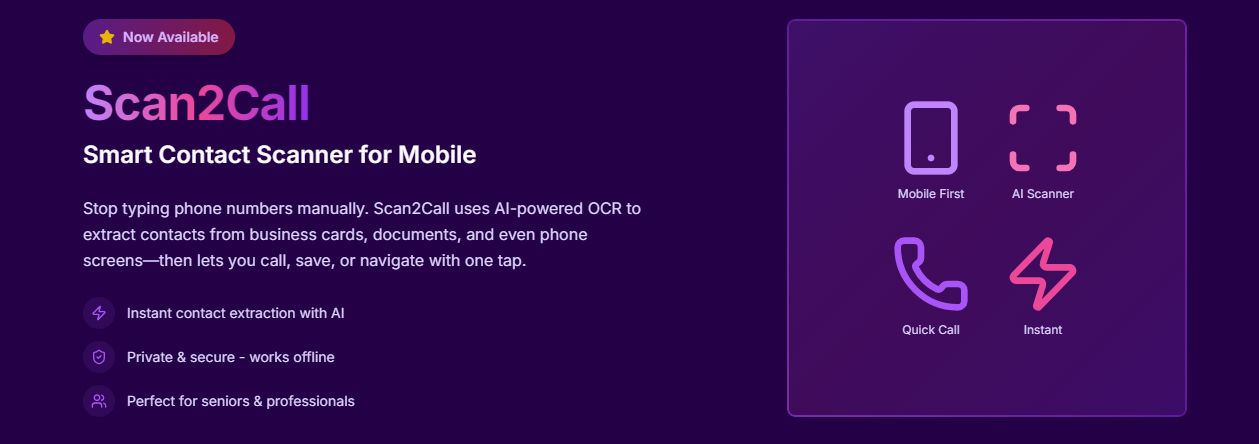
Scan2Call: Turn Scanned Text into Instant Calls and Navigation
Scan2Call is a smart Android application designed to simplify how people connect. By using on-device AI and OCR technology, the app scans text from images and instantly extracts phone numbers, email addresses, and physical locations—allowing users to take action with a single tap.
Why Scan2Call Was Created
Typing phone numbers or addresses from business cards, screenshots, or printed documents is slow and often leads to errors. Scan2Call removes this friction by automatically identifying contact details from scanned text, helping users connect faster and more accurately.
AI Technology Behind Scan2Call
Scan2Call leverages the Google ML Kit Text Recognition model (google_mlkit_text_recognition) to detect and extract text directly on the device. This on-device OCR approach enables fast, accurate recognition of phone numbers, emails, and addresses while keeping all data private and secure.
Because the processing happens locally on the user’s phone, Scan2Call delivers reliable performance even in offline scenarios and avoids sending sensitive information to external servers.
Key Features
- AI-powered text scanning: Extract phone numbers, emails, and addresses from images, documents, and screenshots.
- Instant calling: Call detected phone numbers with a single tap—no manual typing required.
- Smart navigation: Open extracted addresses directly in Google Maps.
- Save & share contacts: Store details in your phone or share them via supported apps.
- Offline support: Core text recognition works without an internet connection.
- Clean and accessible UI: Designed for professionals, seniors, and everyday users.
How Scan2Call Works
- Scan: Capture text from a business card, printed document, or screen.
- Extract: Google ML Kit’s on-device text recognition identifies contact details.
- Act: Call, save, share, or navigate instantly.
Who Can Benefit from Scan2Call?
- Business professionals who exchange contact details frequently
- Customer support teams handling phone numbers from tickets or messages
- Delivery and logistics staff navigating to scanned addresses
- Seniors and accessibility users who prefer minimal typing
Scan2Call - Product Overview
- App Name: Scan2Call
- Platform: Android
- Category: AI Utility App
- Core Function: Scan text from images and extract phone numbers and addresses
- Key Actions: Call instantly, save contacts, open navigation
- AI Technology: On-device OCR using Google ML Kit Text Recognition
- Offline Support: Yes
- Privacy: No cloud upload, on-device processing only
- Availability: Google Play Store
Learn more about Scan2Call on the official product page: staksoft.com/scan2call
Privacy-First by Design
Scan2Call processes all scans entirely on the device using Google ML Kit. No images, text, or extracted data are uploaded to the cloud, ensuring strong privacy, faster processing, and full user control.
Scan2Call is available on Android via Google Play and is actively maintained with performance and usability improvements. It provides a fast, accurate, and privacy-focused way to turn scanned text into real-world actions.
